
Steam “App Already Running” error
Steam’s App Already Running error often follows an improper shutdown, silent crash or hung process, and it can also occur when the game is running under another OS user. Clear the real process first, then verify files if the launch state repeatedly becomes stuck.
Close the real hung process or session
Open Task Manager and end the actual hung game process, check other signed-in user sessions, then restart Steam. If the problem repeats after every launch, verify the game files and investigate the silent crash.
- Open Task Manager and locate the game executable.
- End the hung game process, not unrelated Steam/system processes.
- Check other logged-in OS users if the process is not in your session.
- Restart Steam and launch once.
Why this branch first: Steam Support explicitly recommends closing silently crashed/hanging game processes and checking other user sessions.
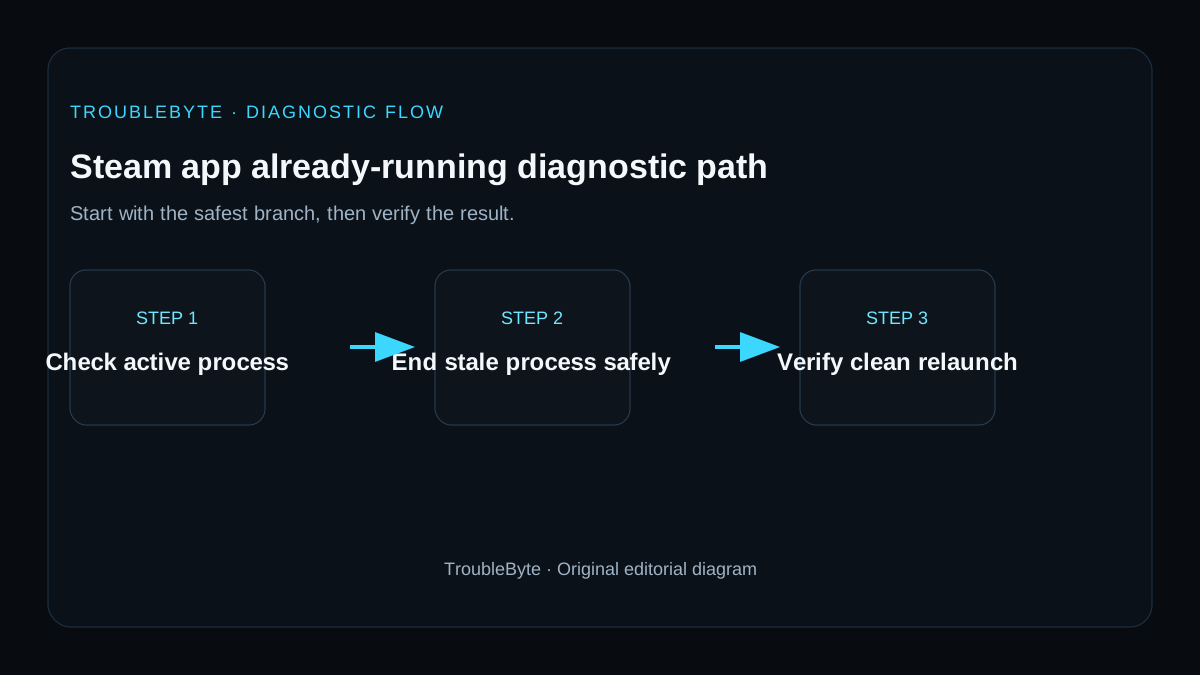
Choose a local-first diagnostic tool
Use a TroubleByte tool to inspect an error, DNS record or local system context before changing settings.
TroubleByte diagnostic path
Find the real game process.
Check other signed-in OS users.
Clear stale state and restart Steam.
Verify files and investigate the silent crash.
Original TroubleByte diagnostic map. It summarizes the cited troubleshooting order; it is not a vendor screenshot.
Use the symptom to choose the next branch
Does Task Manager still show the game, Steam Client WebHelper or a related launcher after Steam is closed?
End only the matching stale process, then wait briefly before launching Steam once.
Continue with a clean Steam restart rather than ending unrelated Windows processes.
Does the error return after one clean relaunch with overlays disabled?
Verify game files and inspect the game's own launcher or anti-cheat state.
Re-enable only the needed overlay and confirm that the game starts normally.
Original TroubleByte decision aid derived from the cited troubleshooting scope. It does not replace vendor documentation.
What this usually means
Steam documents this as a process-state problem more than a download problem. A game may have closed improperly, crashed silently while leaving a process alive, or be running under another operating-system user. The first goal is to prove whether a process/session still owns the game, then repair files only if the launch repeatedly leaves stale state.
What we verified from the source material
Steam Support says App Already Running is commonly associated with an improper close, silent crash, a game that is failing to launch correctly, or a different user session. It recommends ending the hung process and verifying files when installation state is involved.
Prerequisites and checks
Prepare first
- Save work before ending processes or signing out another session.
- Identify the game executable before terminating processes.
- Restart Steam once after clearing the stale process.
Checks that prevent the wrong fix
- Look for the game executable in Task Manager.
- Check whether another Windows user session is still signed in with the game running.
- Note whether the game crashes silently just before Steam gets stuck.
Applies to
Solutions, in order
Close the real hung process or session
- Open Task Manager and locate the game executable.
- End the hung game process, not unrelated Steam/system processes.
- Check other logged-in OS users if the process is not in your session.
- Restart Steam and launch once.
Why this can work: Steam Support explicitly recommends closing silently crashed/hanging game processes and checking other user sessions.
Repair the game if stale state returns
- Verify the game files in Steam.
- Test without nonessential overlays/mod loaders that could cause an immediate crash.
- Check game crash logs if it returns to a hidden running state.
- Escalate with logs rather than repeatedly killing the process forever.
Why this can work: Steam notes that installation issues can also trigger the error, so repeated recurrence should be treated as a launch/crash problem.
How to know the fix actually worked
- Steam changes the game back to Play after the stale process is closed.
- The game can launch and exit normally without leaving a hidden process behind.
Do not count a temporary disappearance of the symptom as a confirmed fix if the problem normally returns after a restart, reconnect or several minutes of use.
When not to keep changing things
- If the process immediately respawns because of a launcher or anti-cheat service, stop blindly ending processes and investigate that game-specific startup chain.
Escalation: If verified files and a clean launch still leave a persistent hidden process, collect Task Manager/process and game log evidence for the publisher or Steam support.
Sources used for this record
Primary · checked Sep 7, 2026Valve / Steam Support — Failed to start game (app already running)First-party documentation used as the primary evidence source for this troubleshooting record.Corroborating · checked Sep 7, 2026Valve / Steam Support — Games do not run after Preparing to LaunchFirst-party documentation used as the corroborating evidence source for this troubleshooting record.Need private help with this guide?
If the guide did not resolve the problem, send a private case to TroubleByte. It is separate from the public discussion below.
Discuss this exact problem
Share what happened on your system, ask a focused follow-up question, or add evidence that may help someone with the same symptom. Community posts are separate from TroubleByte editorial verification.
Start a discussion
Revision history
Show 2 recorded revisions
2026-09-26 — Source review refreshed against cited current first-party documentation; diagnostic scope confirmed. No hands-on test claimed.
2026-09-07 — Created for the v0.9 launch-acceleration content pass from current first-party documentation; indexing remains disabled pending final launch review.